

 Print Editor
Flexible All-in-One Web to Print Editor
Powerful online template editor to serve both B2C and B2B target markets. Highly customized and user-friendly for you and your customers
Learn more about Print Editor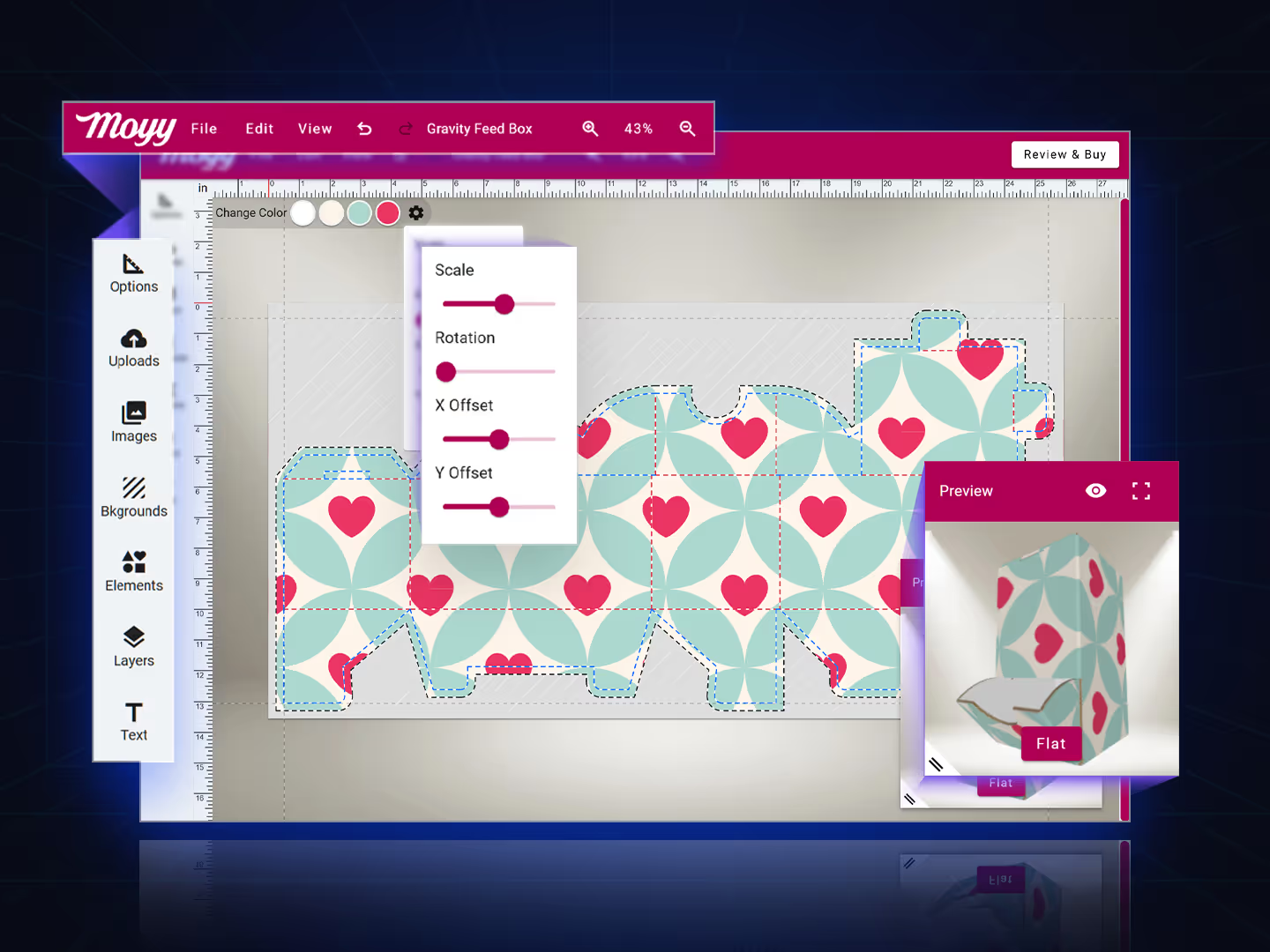
Build on great ideas with better tools
Template platform for creating print products
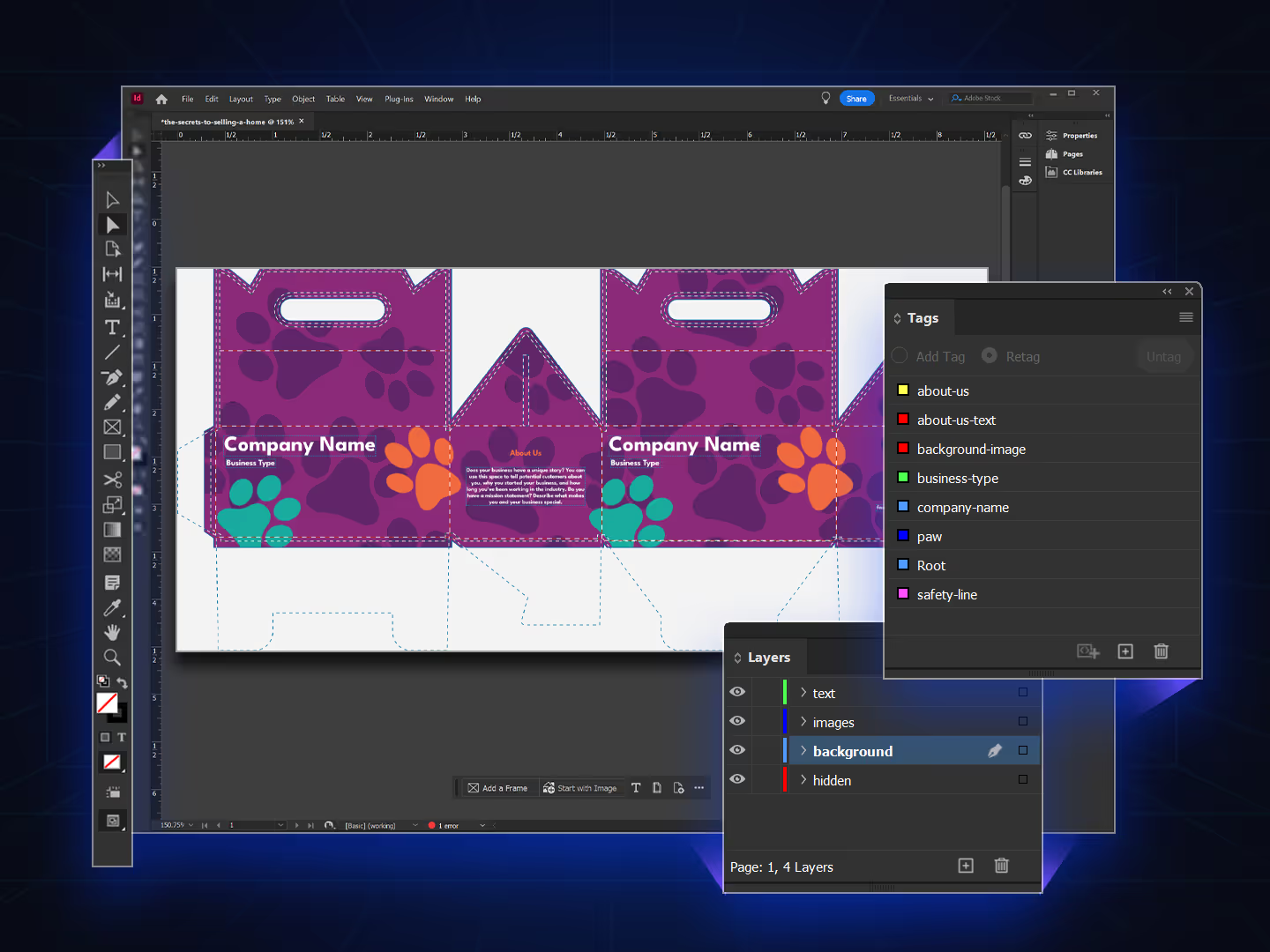
Use Adobe to import template data and work in admin mode
Check out how PrintNow’s cutting-edge template development process outshines the competition! Create professional and customizable templates using Adobe InDesign, and easily export them to IDML format for seamless import into PrintNow.
- Create professional and customizable templates using Adobe InDesign
- Gain access to template admin controls for innovative template development
- Create assets using Adobe Illustrator and Photoshop
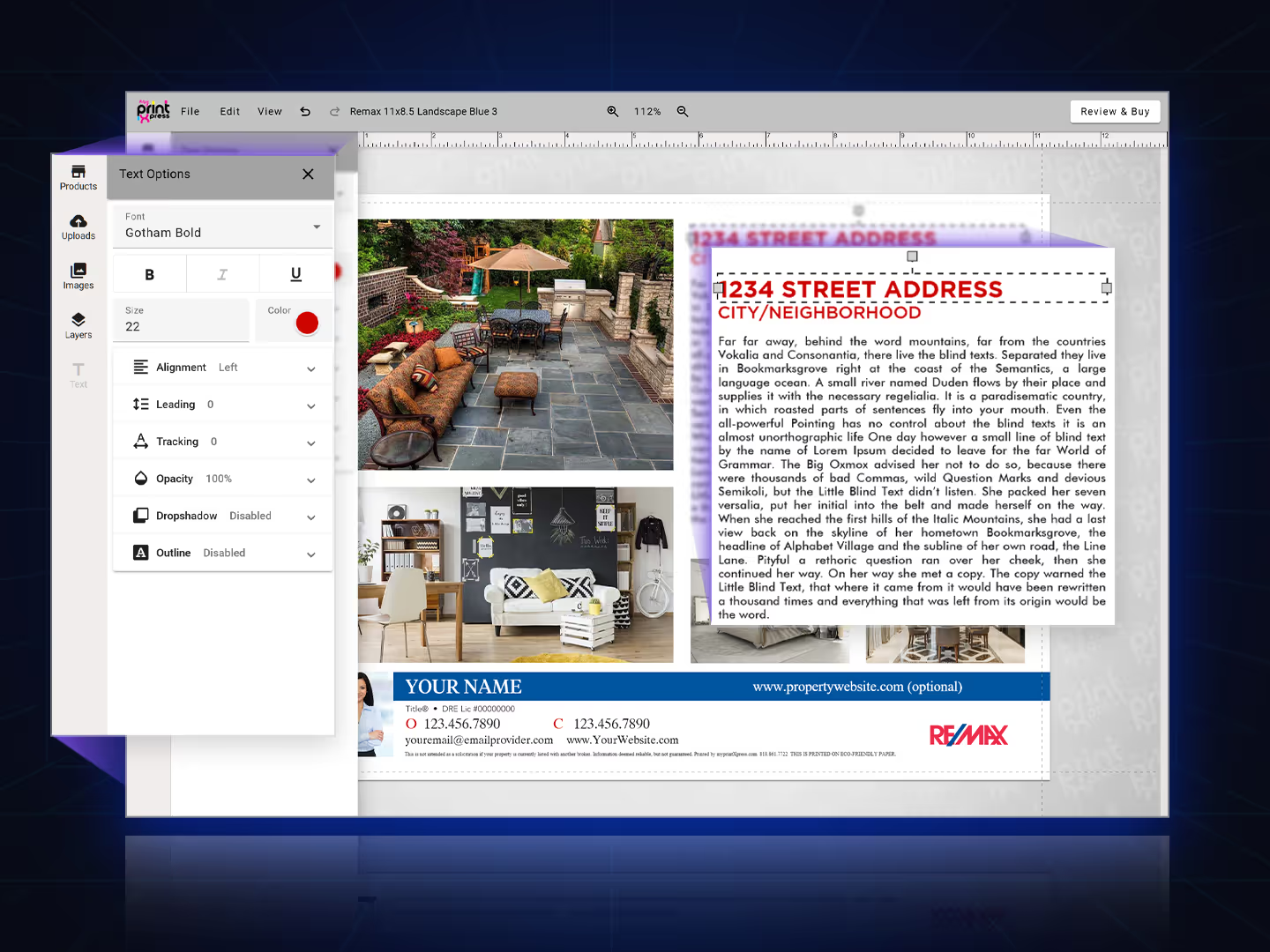
Explore our feature-rich text editor options
Easily manages text using a creative user interface.
- Configure custom font libraries
- Change font size and color character by character
- Left, center, right, and justify alignment controls
- Control drop shadow (angle, distance, opacity, & color)
- Color libraries to load for color assignment
- Admin controls to restrict functionality at the item level
Get ready to manage pixel perfect files and images like a pro
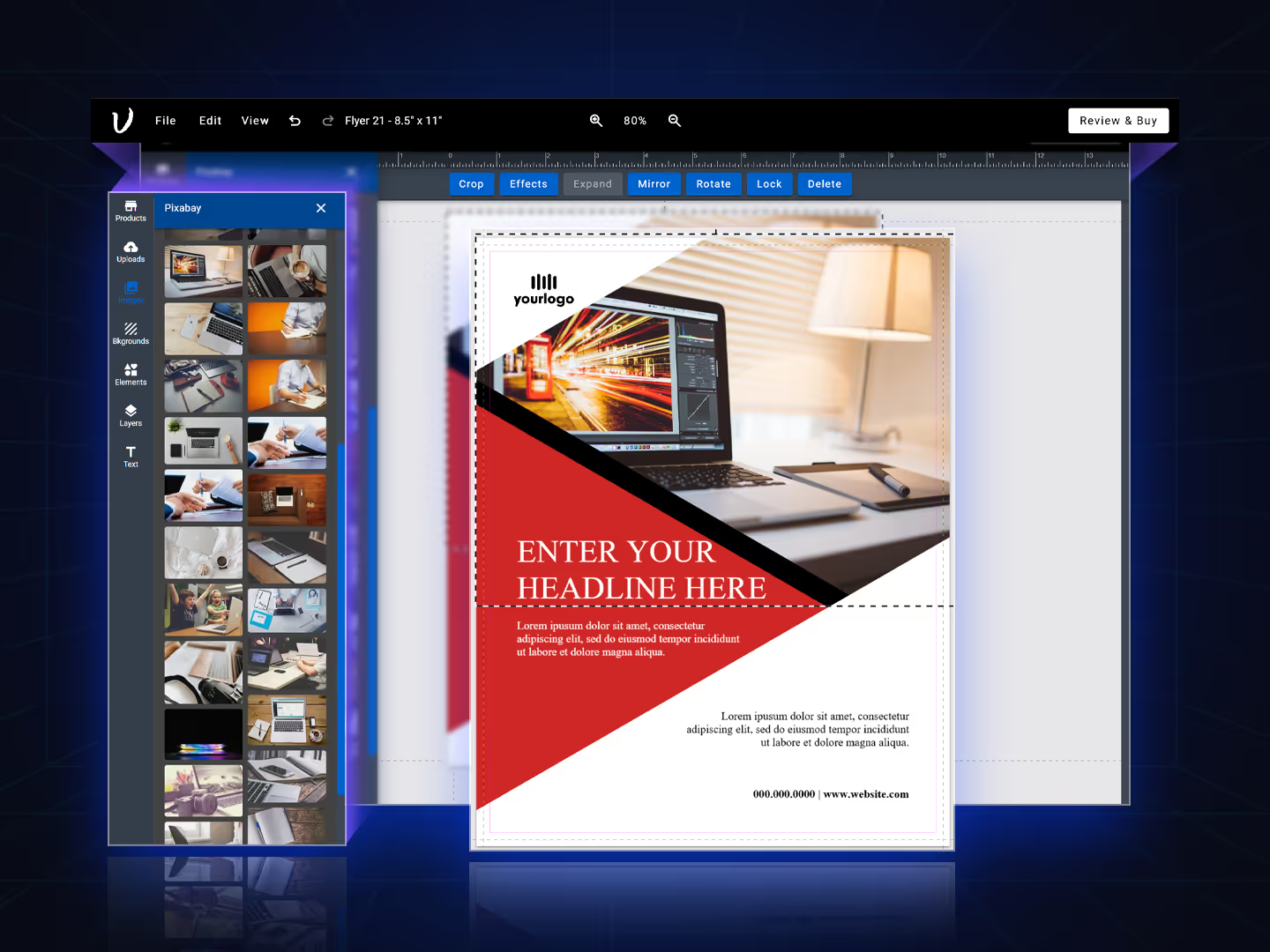
Image editor tools to make visual creation a breeze.
- Modify image size and outer and inner rotation
- Fit to mask, fit to box, & scale image modes
- Upload image types like .PDF, .AI, .SVG, .PSD, JPG, PNG, TIF
- Save images to “My Images” library
- Create image asset libraries assigned to templates
- Free and paid stock image and storage integrations
Multi-select group features that enhances the user experience
The ability to group elements creates efficiency and harmony in your designs with aesthetic benefits.
- Select multiple text and image elements
- Create a group that keeps multiple elements together
- Size, rotate, & move efficiently
- Easily select individual elements within groups
- Ungroup and regroup controls
Modern color palette to guide the design of text and images
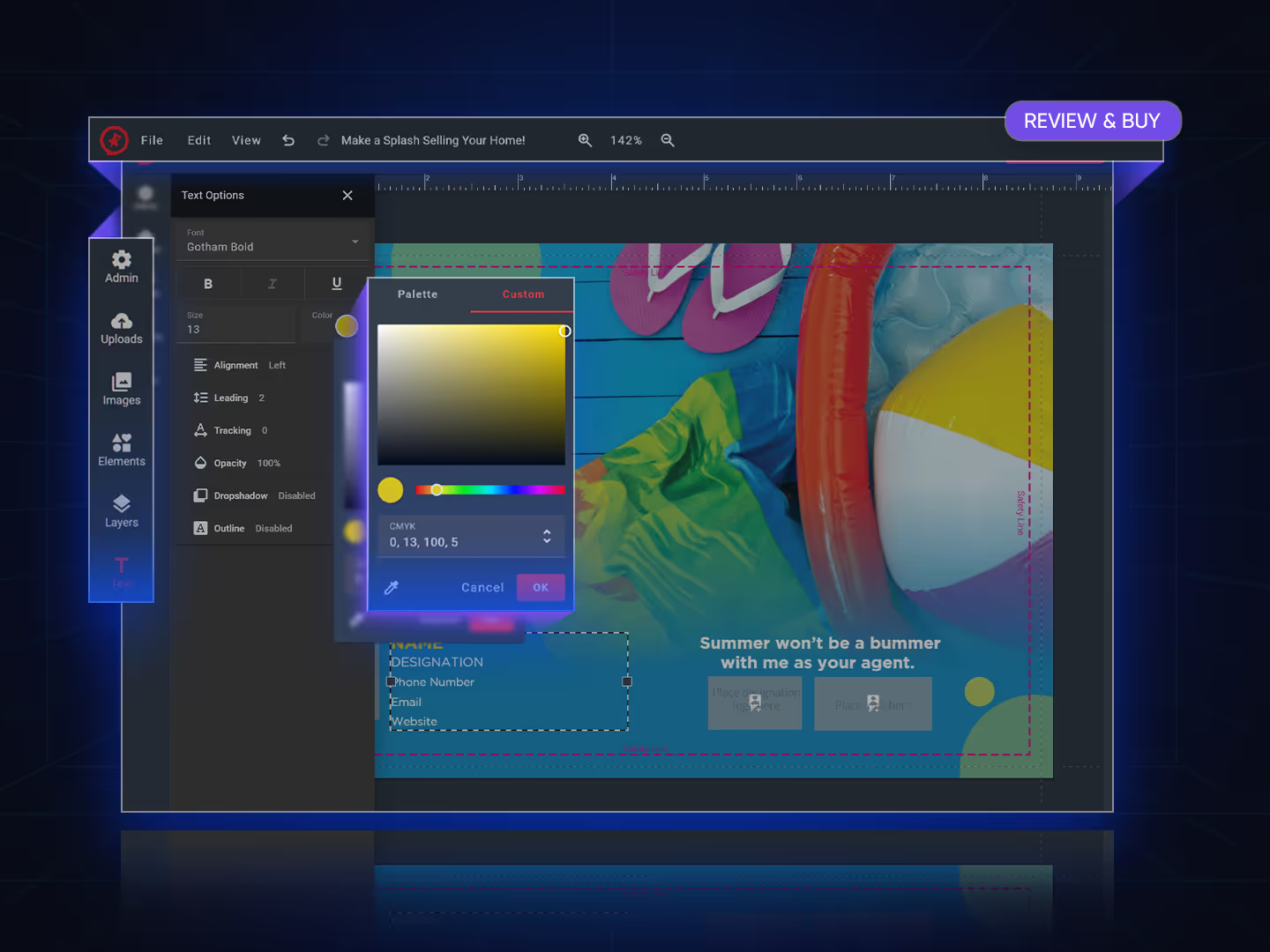
Discover a stunning color palette that is slick and simple to control.
- Material color palette picker design
- Create your own default color palettes
- CMYK, RGB, & HEX input
- Color picker pixel reader
- Ability to attach color palettes at the template and item level
- Ability to lock down color options
Customize patterns, backgrounds, layouts, & elements
Seamless patterns and backgrounds enhance design options, engage customers, and will boost sales on creative products. Layouts enable admins to assign swappable template designs to products without creating them as separate products.
- Interactive seamless patterns that can add WOW to any product
- Intelligent layout support for your print templates
- Element libraries help users with their designs
Built-in pricing calculator and option selector
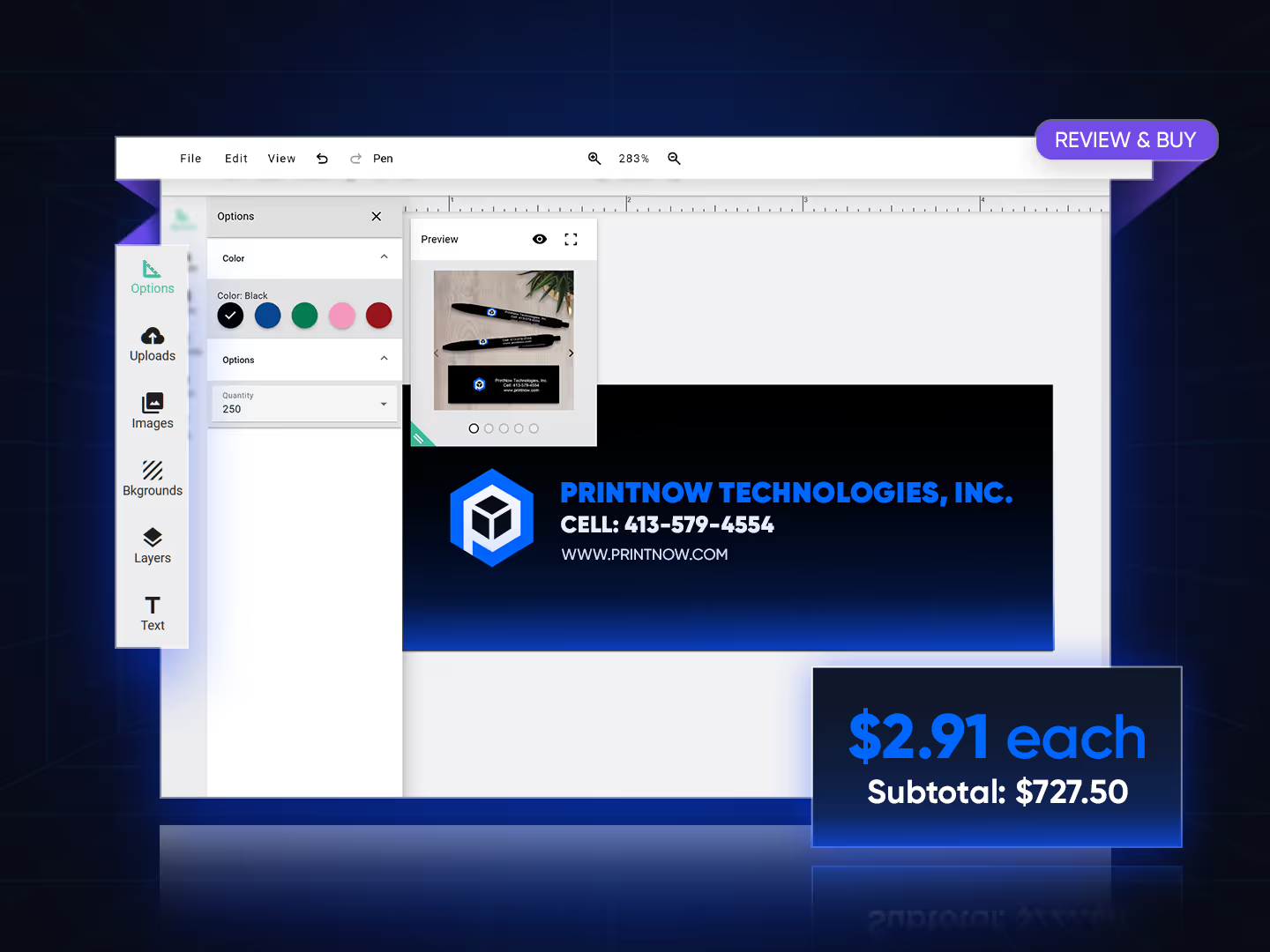
PrintNow’s pricing options can also be enabled within the Print Editor for easy order changes and speedy checkout without starting over.
- Enable calculator, enable size, enable quantity
- Number of pages shown will updated based on printed sides
- Ability to toggle layers on editor based on option selections

“The built-in pricing calculator transforms the workflow by updating costs and displays instantly as the user makes design changes. No more exiting the application—everything happens seamlessly within the Print Editor, making decision-making effortless and efficient and improving conversions”
Kara Jones · Marketing & Sales, U.S. Press
Complete item level controls to fine-tune the perfect design
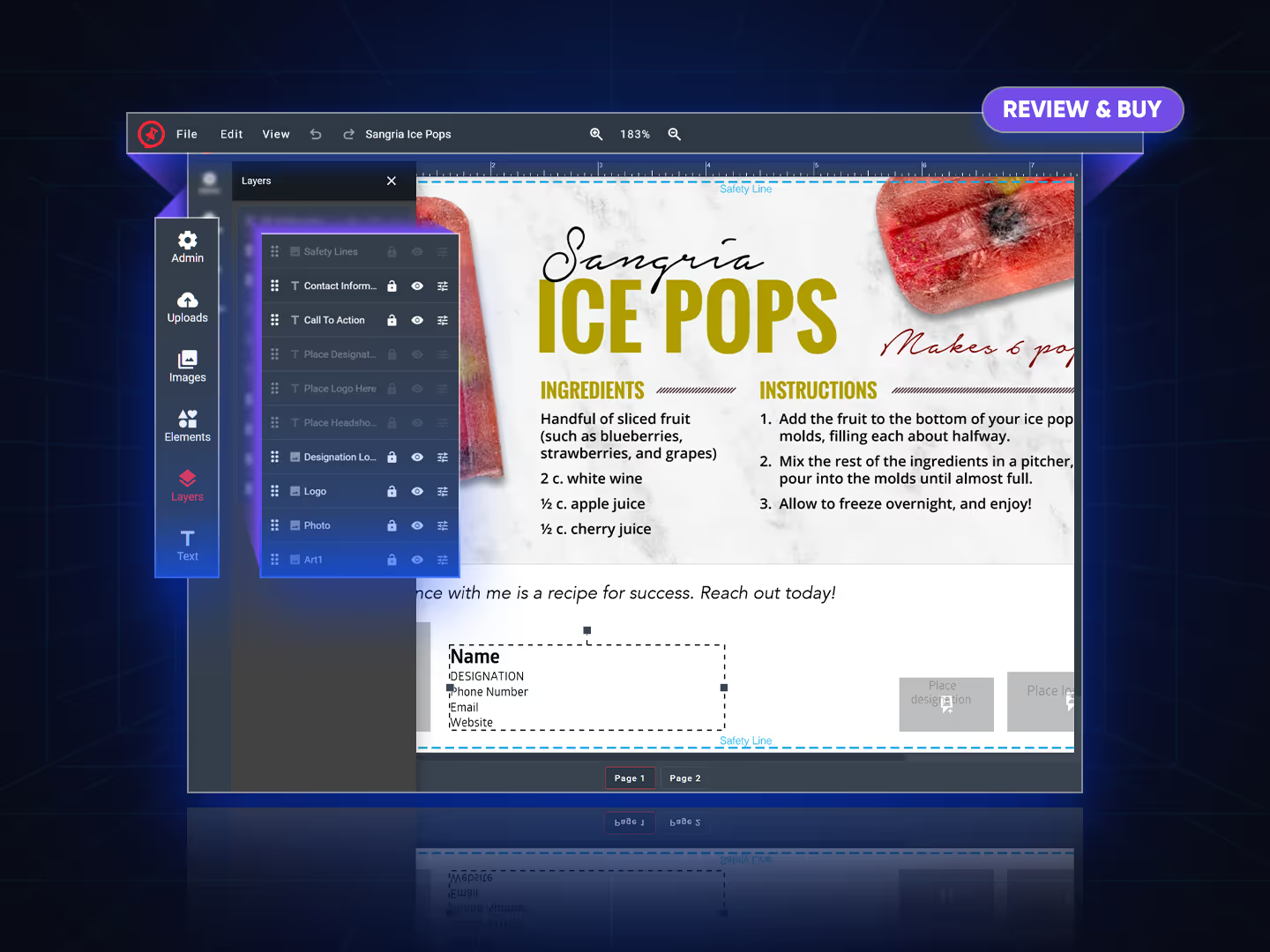
Easily find element layers to edit or rearrange using PrintNow’s Print Editor layers panel.
- Layer control that identifies all text and image items by name
- Drag and drop items to change sort order
- Show and hide layers
- Lock and unlock layers
- Precise X & Y positioning
- Change width, height, & rotation precisely
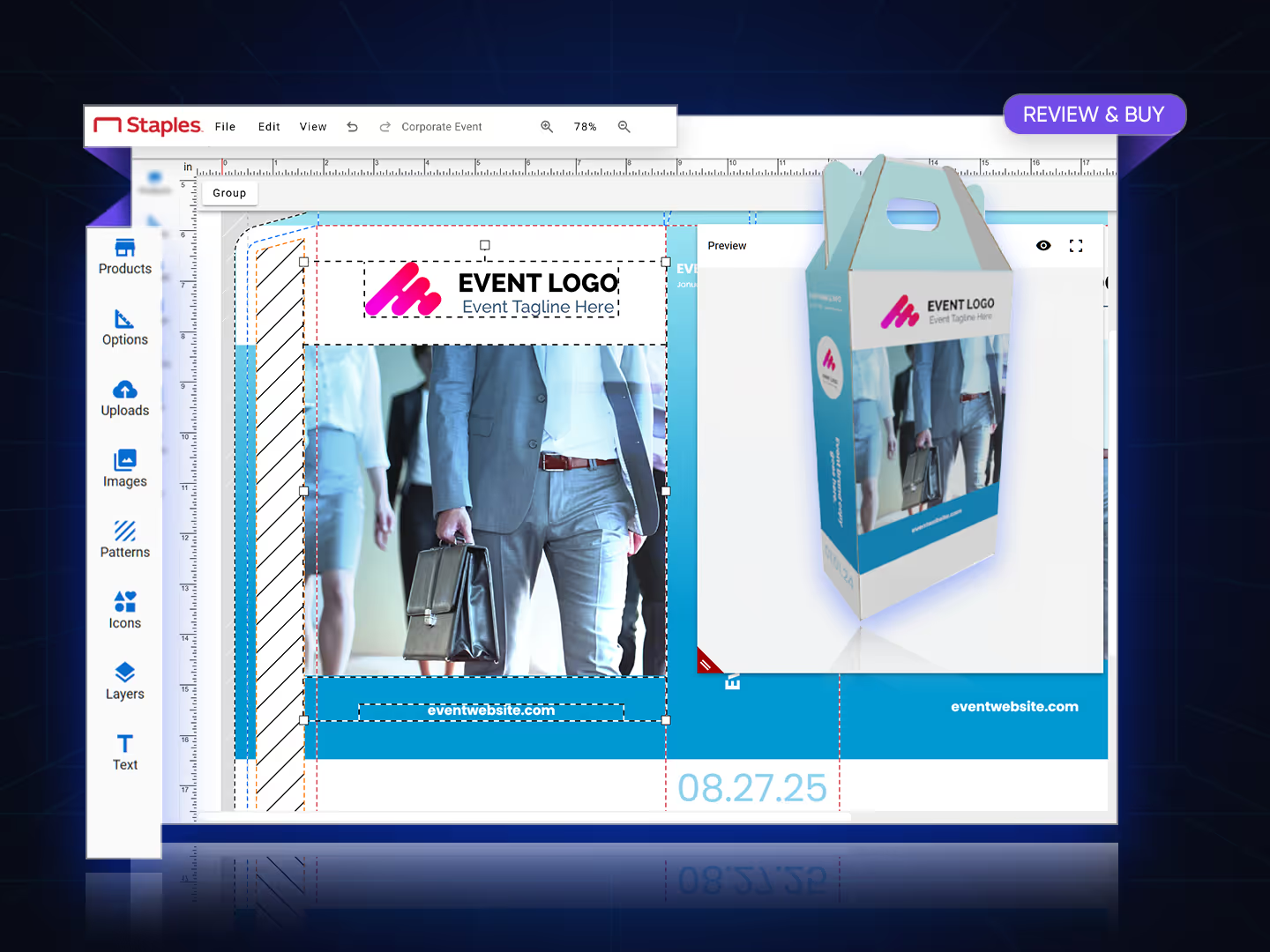
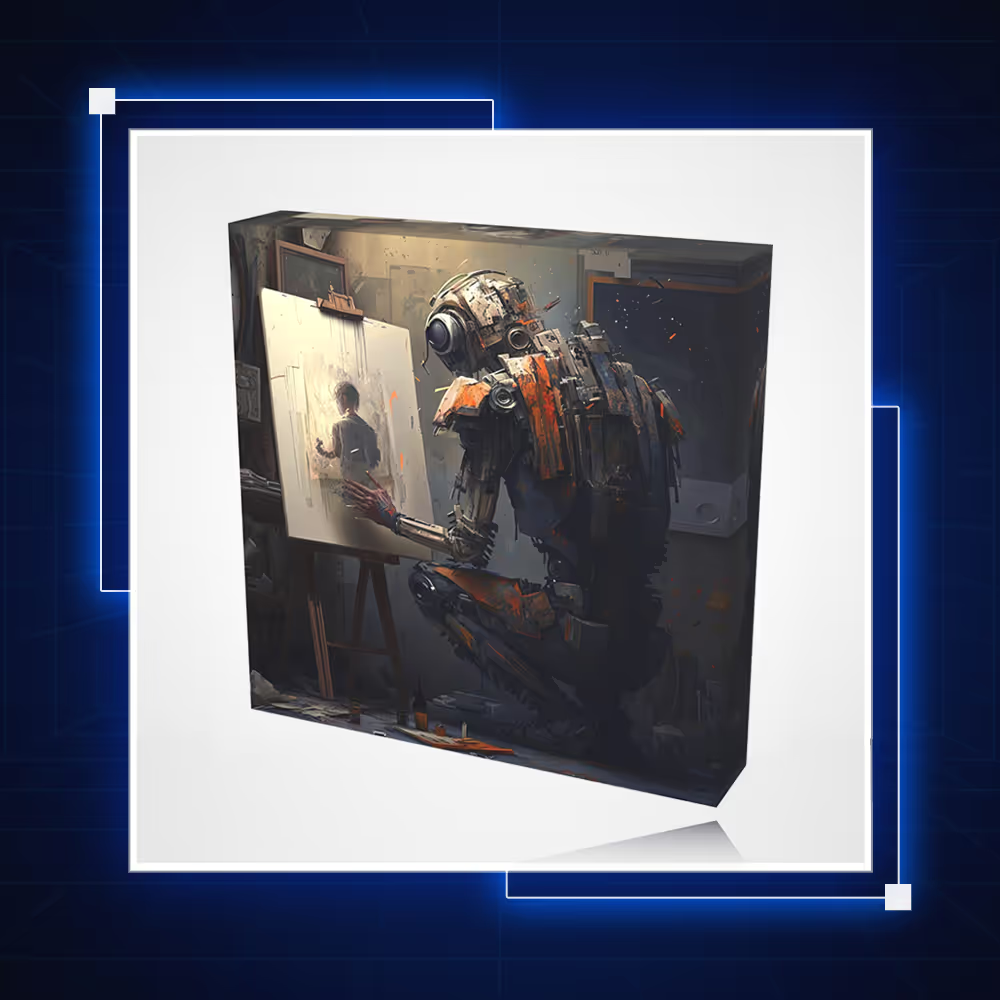
Real 3D preview & mockups on demand
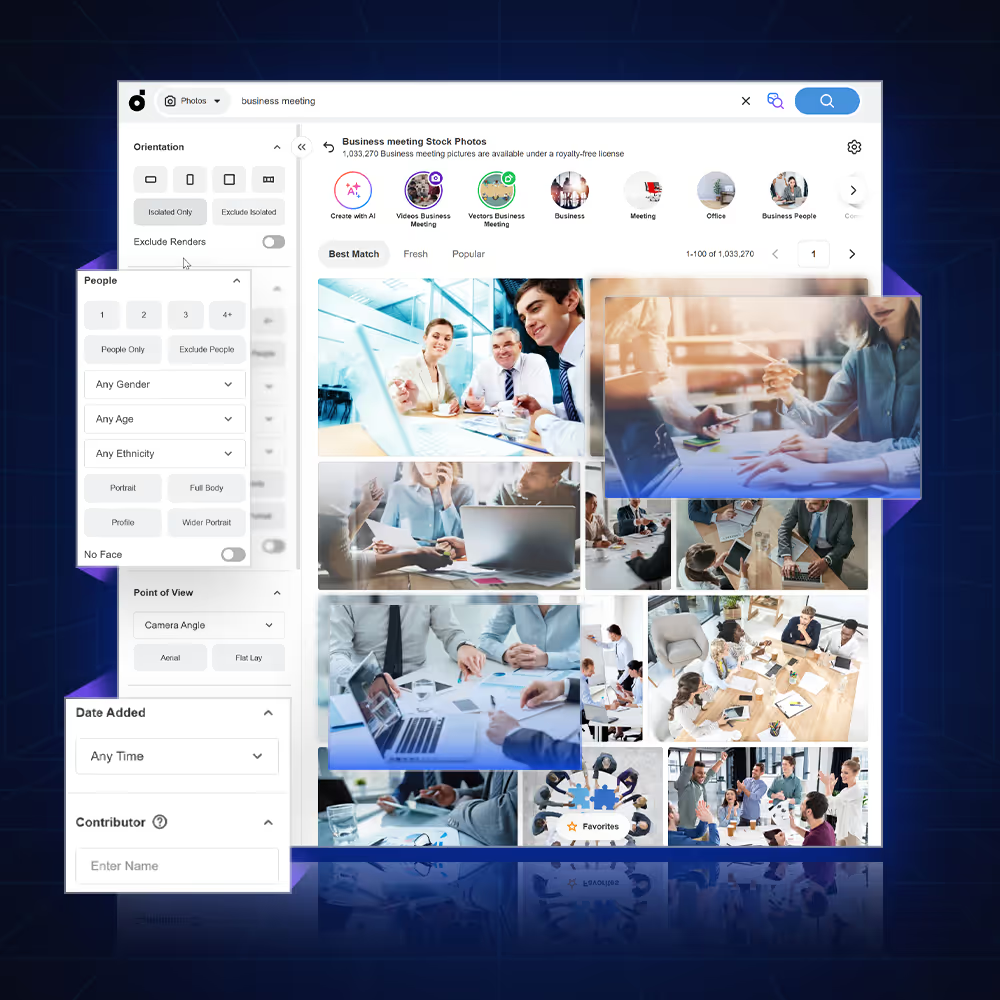
Stock photo & file storage integrations
Connected to millions of stock photos and vector files
Create high-quality print products and improve your service by having and offering access to millions of high-quality, licensed stock photos, graphics, and vector files.
- Depositphotos is one of the world's leading content marketplaces. Our library has over 200 million files, including royalty-free stock photos, vector images
- Pixabay offers Stunning royalty-free images & royalty-free stock. Over 4.9 million+ high quality stock images shared by a talented community.
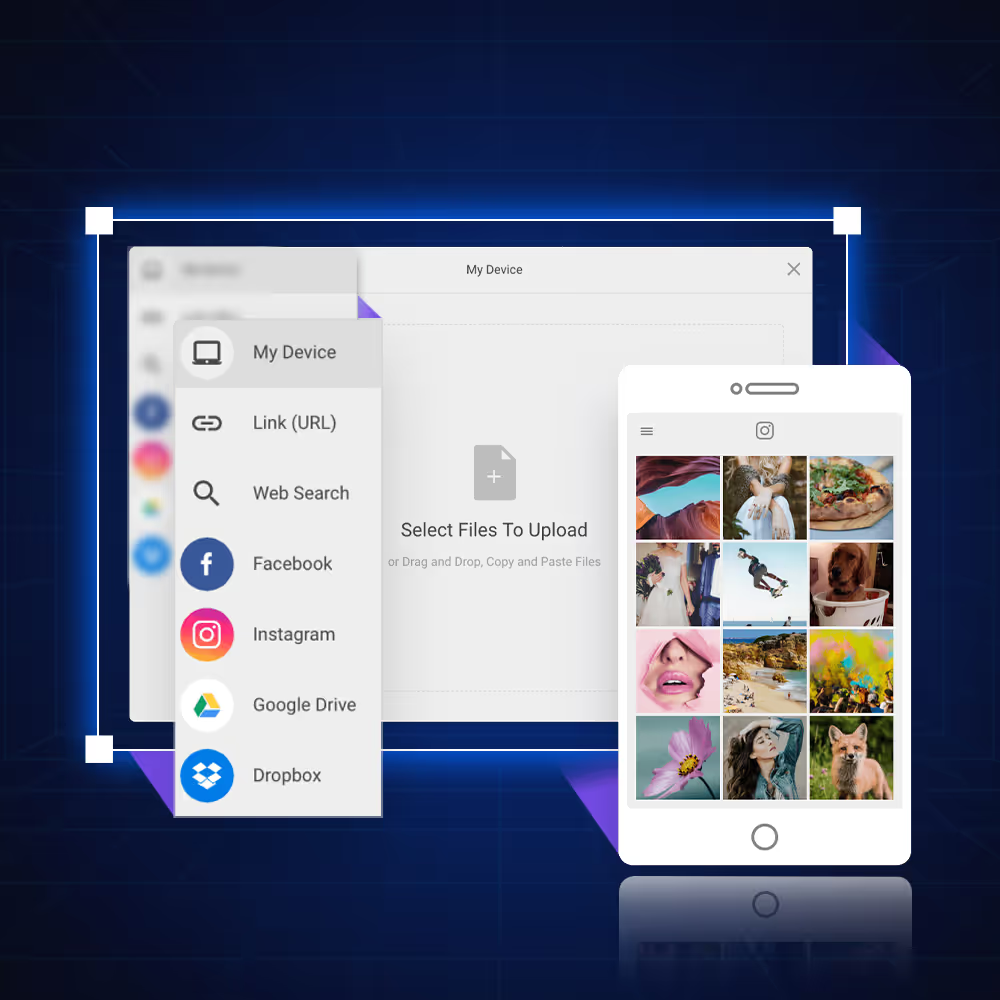
Get user files from anywhere and improve file upload
With integration into Filestack, you can retrieve user content from anywhere and enhance file and image uploads with a powerful, easy-to-use API.
- Beautiful UI with over 20 integrated sources
- Uploads that are 100X more reliable with a content ingestion network (CIN)
- Secure transfer to handle the most sensitive files
Forms-based with smart logic
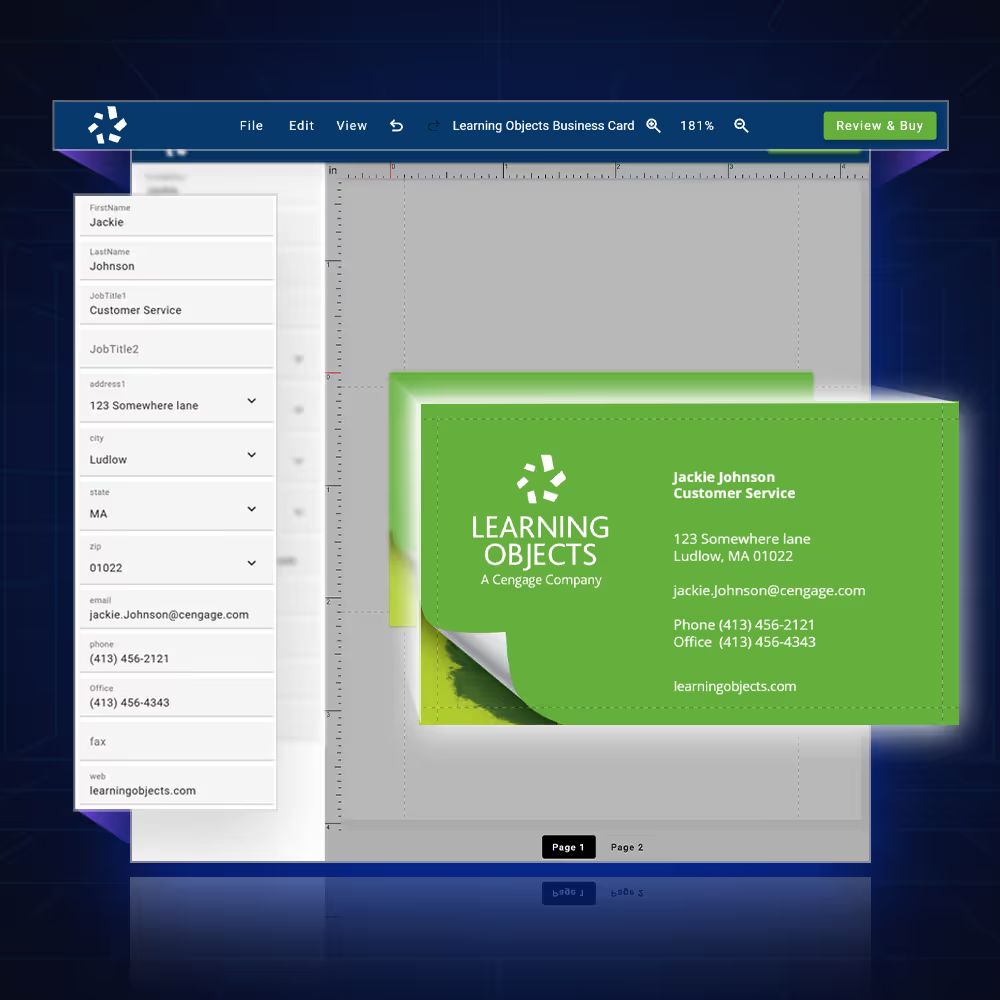
Based on Google material — deliver a better experience
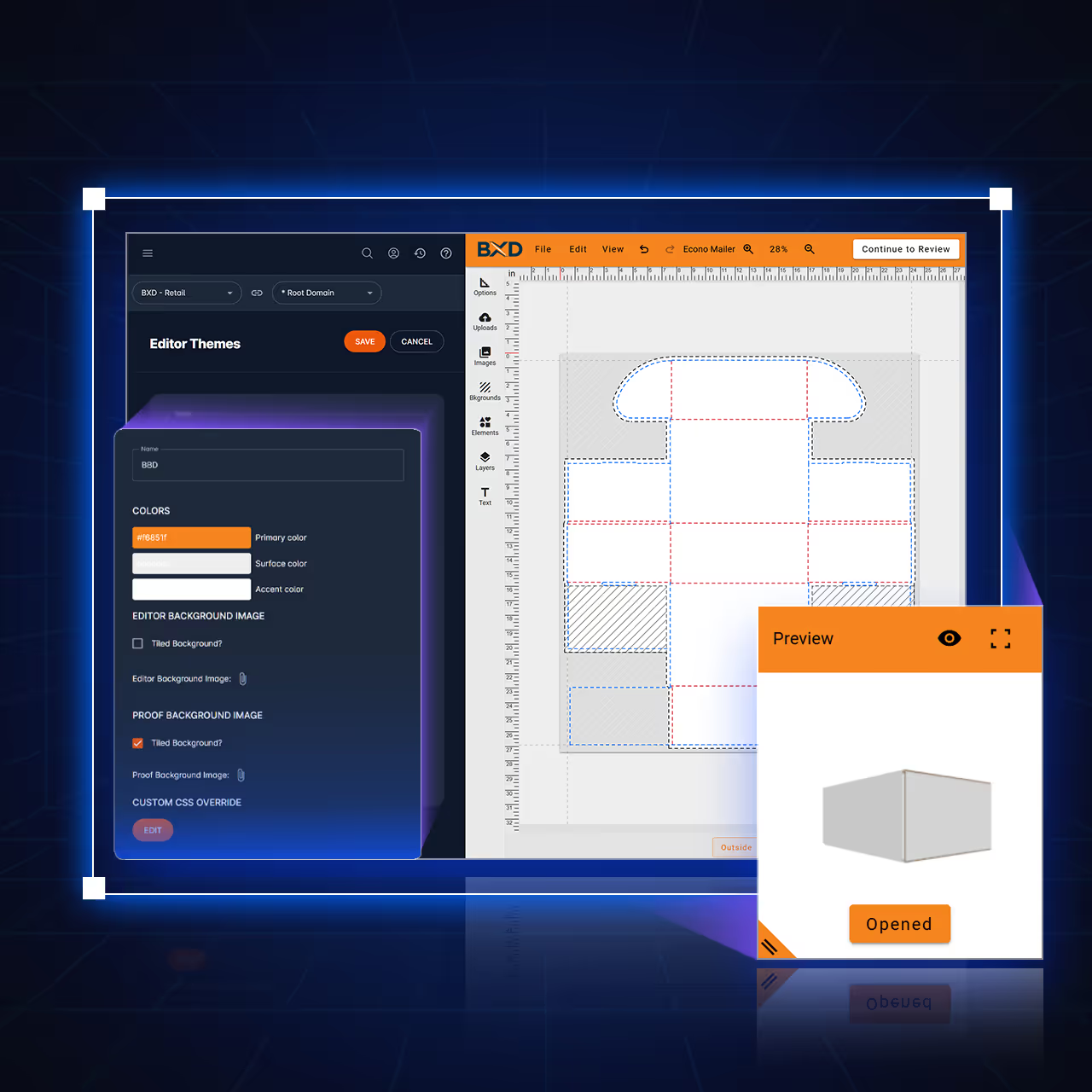
PrintNow's Print Editor is designed to enhance the user experience right from the start. It offers customizable options to tailor it to your brand and personal preferences.
- Define Primary, Surface, and Accent colors quickly & easily.
- Set background images on main workspace and proofing windows
- Replace SVG icons with your own sets
- Use the Custom CSS editor to fine tune the look and feel of your custom skins
- Upload a logo to tie it all together
Your print products — through innovation
PrintNow's Print Editor provides superior template support for the widest range of print products across multiple segments
 01
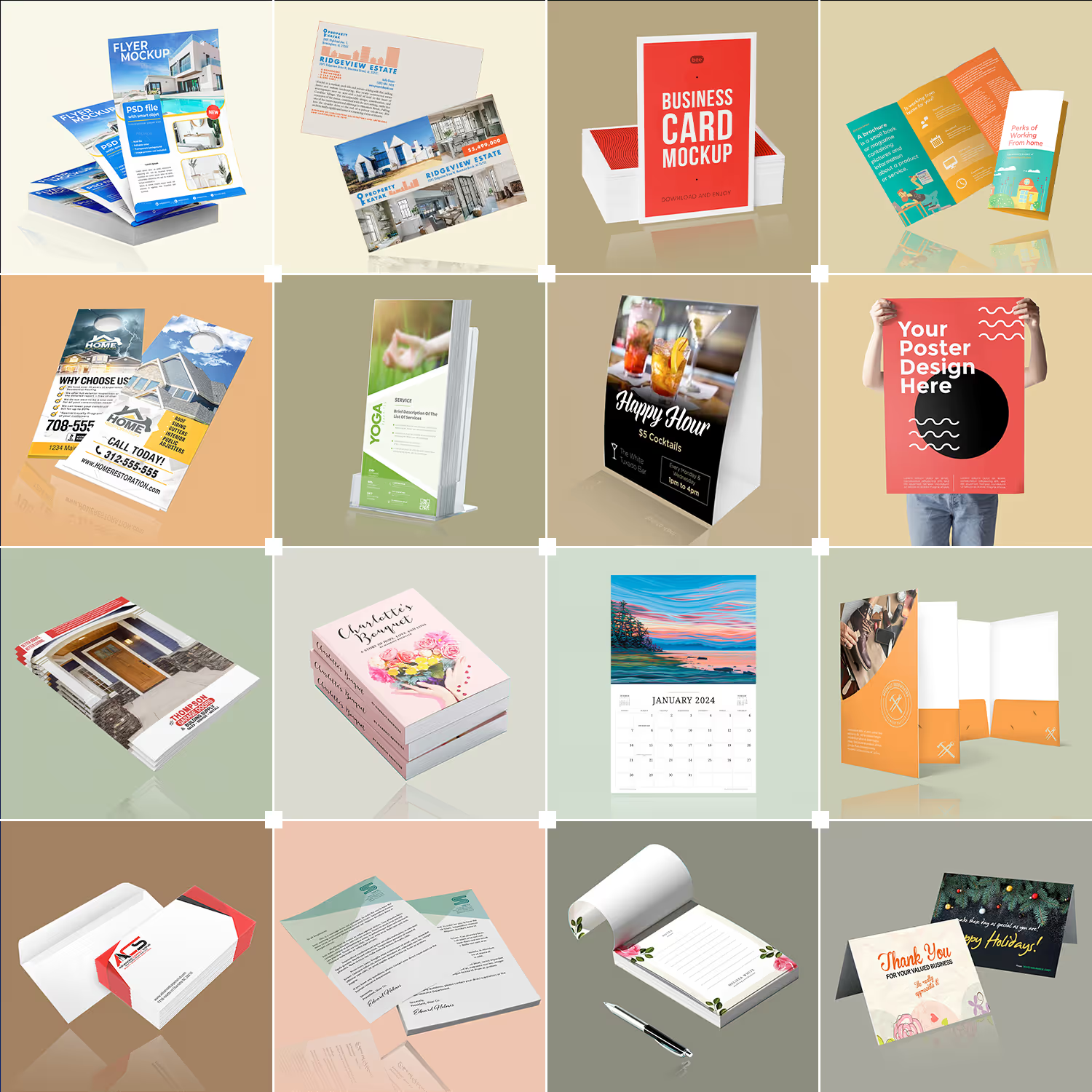
01Paper Prints
Traditional printing services including offset and digital printing for various paper products.
- Marketing Materials
- Booklets/Catalogs
- Calendars
- Invitations & stationary
 02
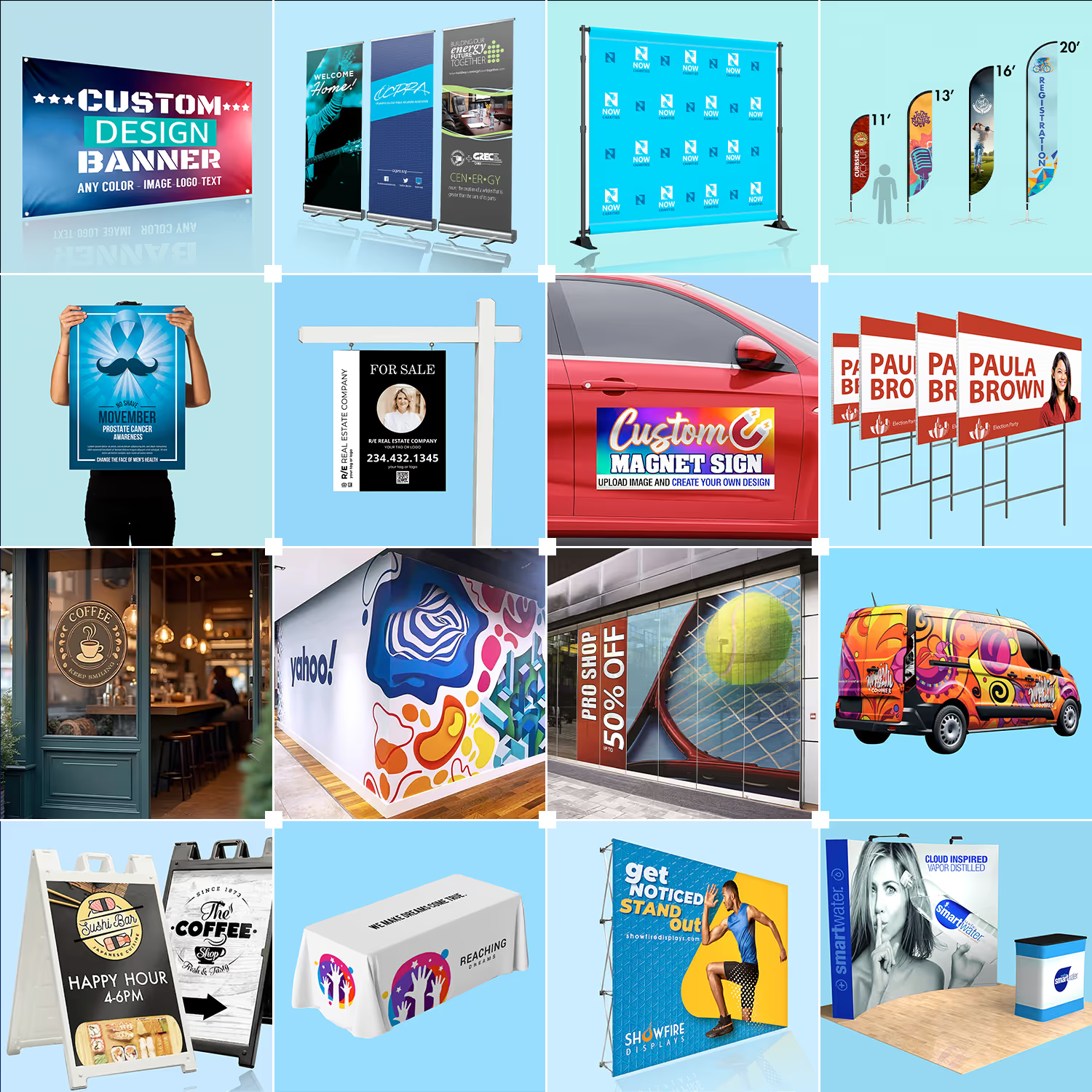
02Signage
Print and graphic media providers that produce large format design and digital printing.
- Banners
- Signs
- Decals
- Displays
 03
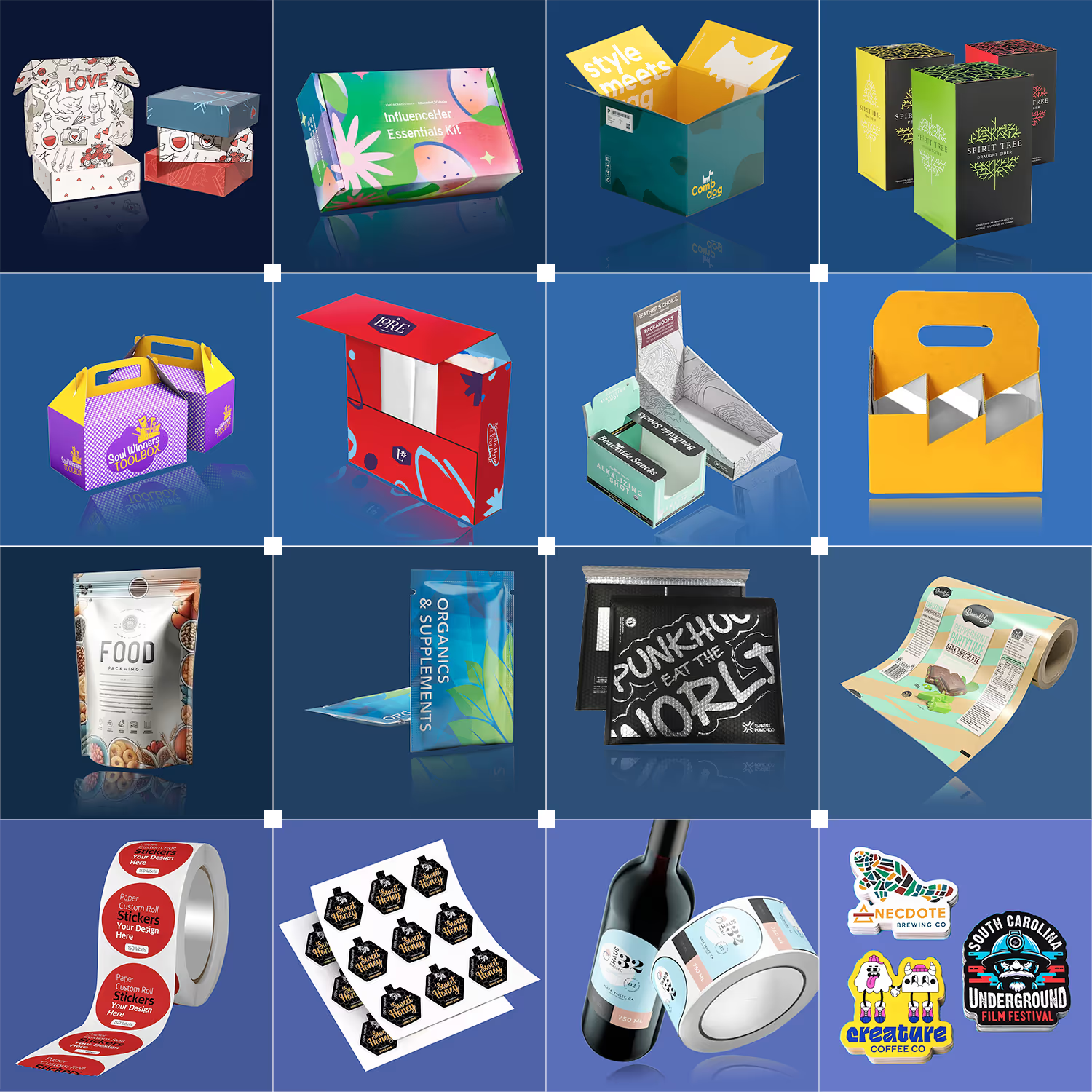
03Packaging
Custom printing and packaging providers protect products and promote customer brands.
- Folding Cartons
- Corrugated
- Flexibles
- Labels & Stickers
 04
04Custom Prints
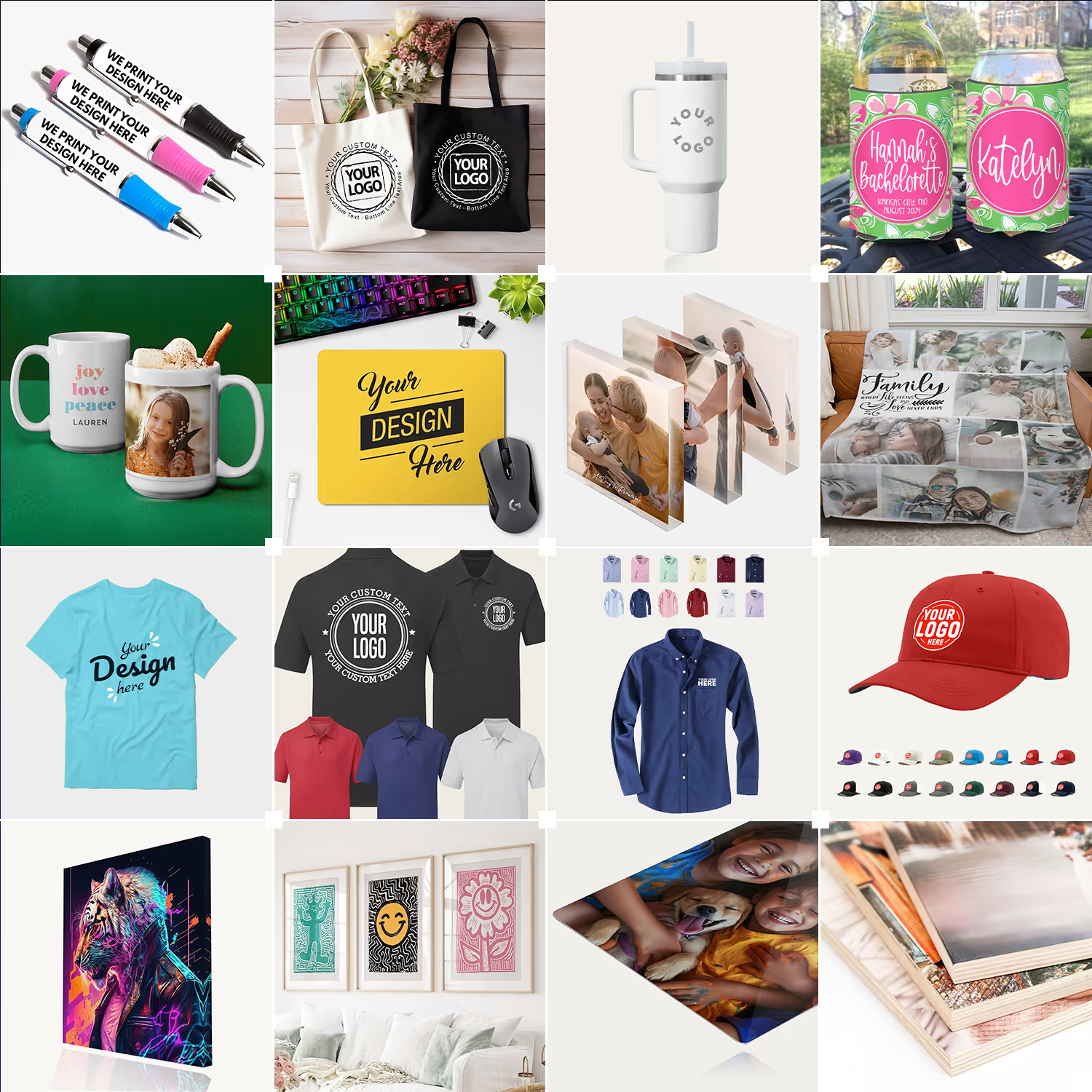
Custom prints are digitally printed or transferred onto physical-based items or unique materials.
- Promotional
- Personalization
- Apparel
- Wall Art
More Editor Features
on one unified web-to-print platform
Reliable Adobe template import
You can make perfect templates by creating your designs in Adobe InDesign and importing IDML files, or by creating them in the Print Editor Admin.
Simple modes
Simple mode allows users to modify predefined autofill profiles, text, and image fields.
Advanced editor
The best choice for most product templates offering refined controls that can be customized.
Project link sharing
Sharing a project gives the recipient the ability to save and edit the project in their account.
Online Proof Approval
Live proofing support in the Editor and the capability to download PDF files for approval.
Amazing Unified Admin controls
Behind the amazing Print Editor displayed to all end users on the front end is an incredible Unified Admin, where all creativity and magic comes to life.
Create asset libraries to grow online design
Make asset library goodies helpful for customers customizing online designs. Create amazing background graphics, seamless patterns, elements and images.
PDF print-ready merge engine
A file delivery service that can be downloaded directly from Admin Tools via FTP or Enterprise APIs.
Print Editor API integration
A print editor REST-based web service for third-party ecommerce storefront integrations.
Driving growth and efficiency for print service providers
From print-on-demand products to online packaging, the most innovative companies trust PrintNow to transform their operations.

PrintNow’s automated template-driven systems enforce brand consistency while providing complete design flexibility. Fast artwork processing and delivering exactly what customers expect is absolutely crucial to our business success.
Shannon Mosser
Director Of Manufacturing, ReminderMedia

All features
Discover all you can do with PrintNow.


Explore more